
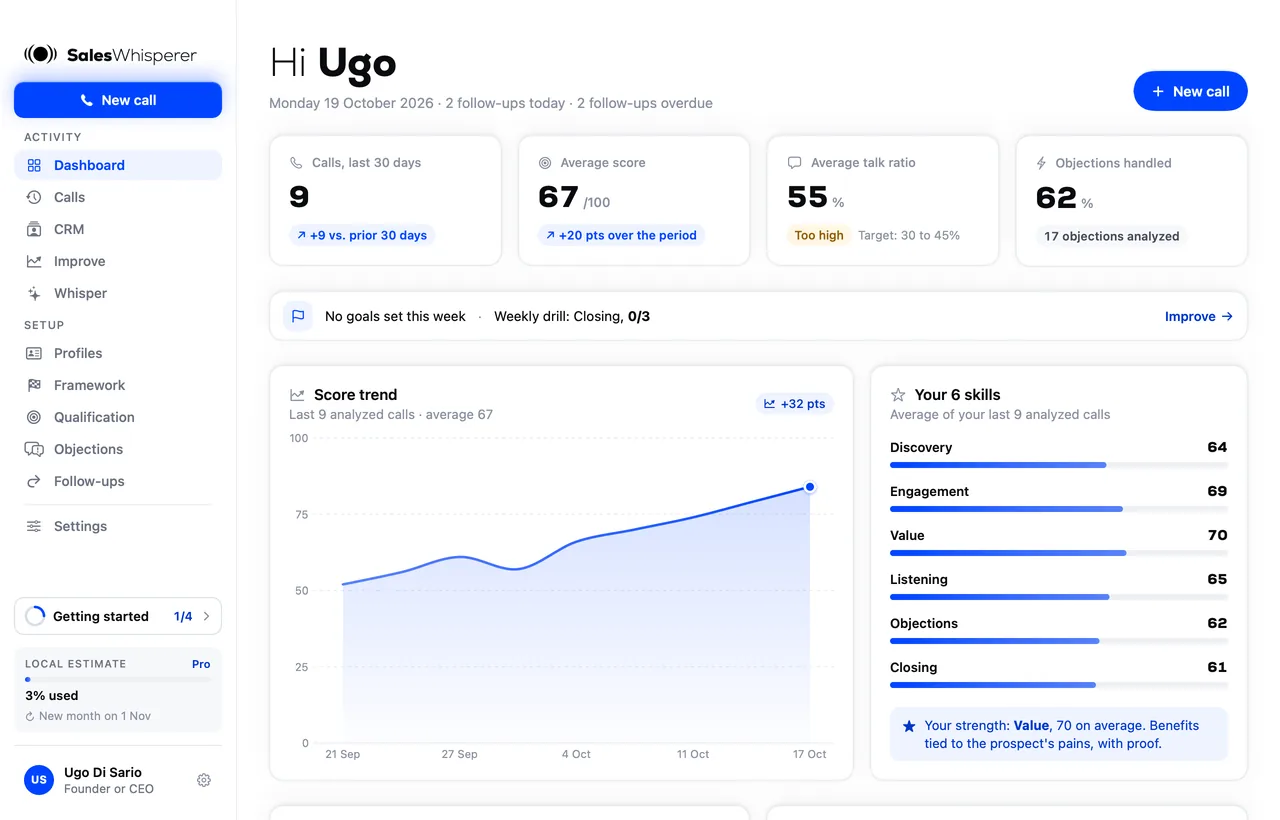
Your next call,with Whisper.

Whisper tells you what to say during the call. After the call, you know exactly what to work on. Set up in 2 minutes.

Download for Mac

Version 2.2.1 · macOS 14 or later

On Windows? Download for Windows

Pick your computer

Your computer

Mac

Version 2.2.1 · 33 MB

Stable
  • macOS 14 or later, Apple silicon and Intel
  • Notarized by Apple, opens with no warning
  • Automatic updates
Download for Mac
Your computer

Windows

Version 0.6.3 · 8 MB

New
  • Windows 10 and 11
  • The same screens as on Mac
  • Signed by SalesWhisperer LTD
Download for Windows

Installed in 3 steps

  1. Download the appThe file lands in your Downloads folder.
  2. Drag it to ApplicationsOpen the file, then drag the SalesWhisperer icon onto the Applications folder.
  3. Open it and sign inWith your work email or Google. The app walks you through to your first call.

Before your first call

?

A question in the app?Click the ? at the bottom right.

Connect ClaudeStep-by-step guide, 2 minutes (in French).

Email Ugougo@saleswhisperer.io

Your download has started

3 steps to install SalesWhisperer on Windows. A warning may pop up: here's what to do.

  1. Open the downloaded file
    In your Downloads folder: SalesWhisperer-Windows-…-setup.exe.
  2. If Windows shows this warning, click More info, check that the publisher is SalesWhisperer LTD, then click Run anyway.
  3. Pick the install type
    Just for you, or for all users on a work PC. Then open the app and sign in.
Why this warning? SalesWhisperer is signed by SalesWhisperer LTD, whose identity has been verified by Microsoft. But Windows shows this warning for any new app until it has been installed on enough computers. It will go away on its own as installs add up. On a PC managed by your company, your IT team may also need to approve the app.